Is this a trading bot?
No. DOL Precision displays liquidity context, a directional target and estimated probability of touch. It does not place orders or verify broker execution.
Can I use it with a prop firm, live account or paper trading?
Yes. DOL Precision can support your chart analysis when trading a prop firm account, a live account or practising with paper trading. You need compatible TradingView charts and the correct edition for your market. Account access, market data and permitted tools depend on your provider; check its rules. The indicator does not link to your trading account, place orders or guarantee profits or a passed evaluation.
Does the indicator promise profits?
No. It is a guide to support your own day-to-day chart analysis, used alongside your strategy and risk management. Liquidity targets and probability estimates can be wrong. Profits, successful trades and target hits are not guaranteed, and trading can lead to losses.
What markets and charts is it designed for?
Choose Futures for any symbol TradingView classifies as futures, including continuous and dated contracts: NQ/MNQ, ES/MES and gold futures GC/MGC. The separate Gold edition is for spot XAUUSD; Forex covers EUR/GBP and other currency pairs. Use standard time-based candlestick charts. The existing intraday starting defaults and 5m/15m/1H/4H scans are retained; lower or duplicate scan timeframes are skipped. Performance across futures markets, Gold and Forex has not been separately validated.
Does a 70% touch estimate mean a 70% win rate?
No. A probability of touch concerns a target and a time horizon. It does not establish trading profitability after fees and slippage. The structural score is a separate heuristic, not a calibrated probability.
Does it use real order-flow or order-book data?
No. It identifies price-based proxies for liquidity using chart OHLC structure. It does not read resting orders, bid/ask depth or genuine micro-orderflow data.
When do liquidity targets update?
New liquidity targets are published after chart-bar confirmation. Higher-timeframe scans use confirmed source candles. That limits unfinished-candle changes; data revisions and chart-history differences can still change results.
What do BSL, SSL and FVG mean?
BSL is buy-side liquidity, represented by highs where buy stops may cluster. SSL is sell-side liquidity, represented by lows where sell stops may cluster. An FVG is a fair value gap: a three-candle price imbalance. These are interpretations of chart prices, not a direct view of resting orders.
Why does the indicator sometimes stay neutral?
A target must meet structural and distance filters, and one direction must have enough score advantage. If those conditions are missing, a neutral read avoids forcing a target. Enabling the aligned-sweep filter also requires that sweep condition.
What happens when I change chart timeframes?
The observation horizon is measured in chart bars. Changing from a 1-minute to a 5-minute chart changes the elapsed time covered by the same bar count. Chart-history samples and estimates can change too; the source scan timeframes are configured separately.
Where do I purchase DOL Precision?
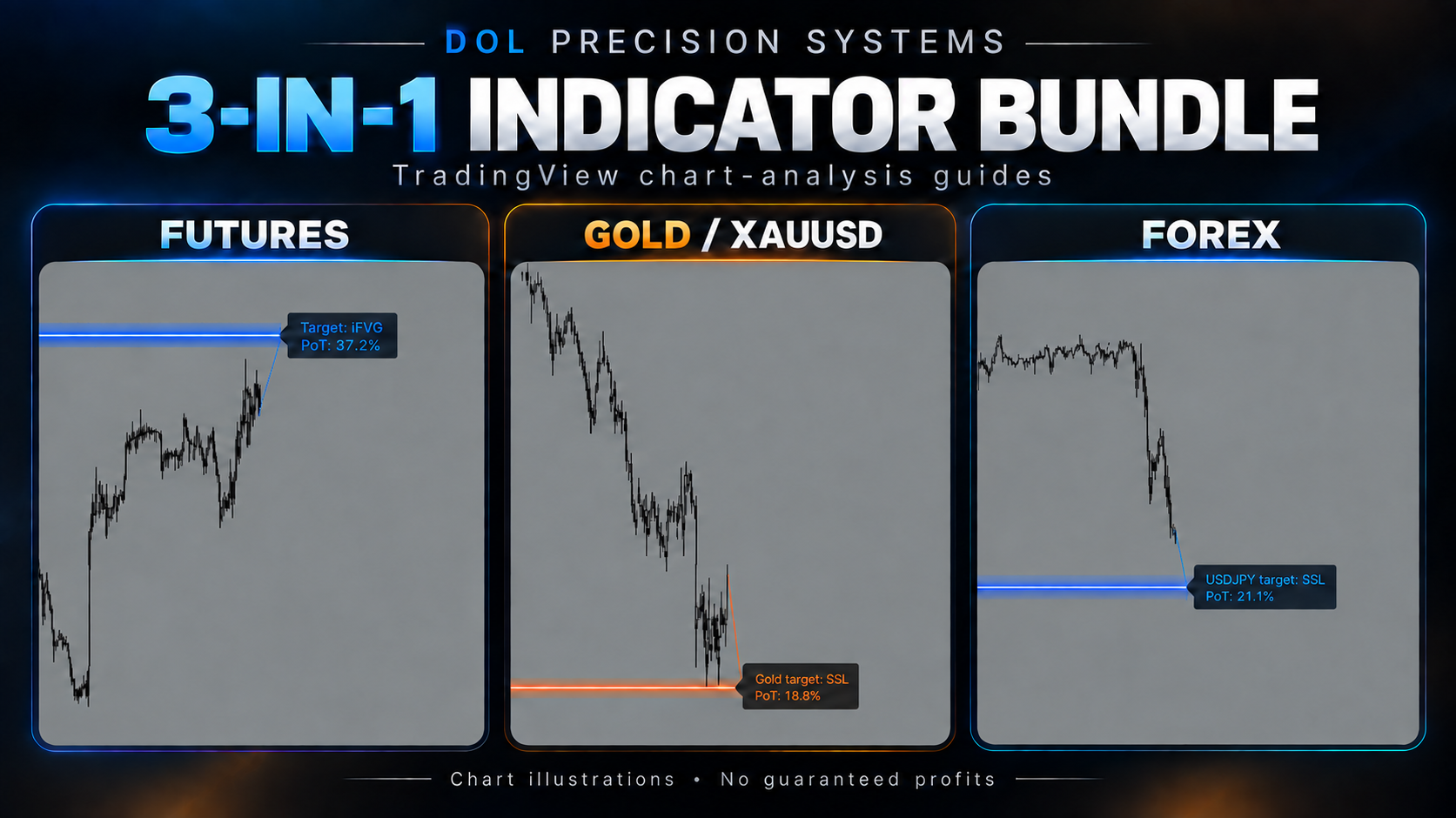
Choose an edition in Product access. Each edition has its own Whop checkout. Select Futures, Gold / XAUUSD or Forex to purchase the corresponding indicator. Individual editions are listed at £49.99 GBP as one-time purchases. The complete bundle includes all three editions for £100 GBP as a one-time purchase. Check the access duration, delivery instructions and final checkout total before paying. This website does not collect payment details.
What do I receive for £49.99?
You are purchasing the selected edition’s editable TradingView Pine Script indicator file, delivered through Whop. Futures, Gold and Forex are available separately for £49.99 each, or together in the complete 3-in-1 bundle for £100. The Forex edition covers multiple currency pairs; you do not need a separate Forex edition for each pair. A TradingView account is required. TradingView subscriptions and market data are separate.
What is included in the complete bundle?
Complete DOL Precision Bundle, 3 in 1 includes the Futures, Gold/XAUUSD and Forex TradingView indicator files for £100 GBP as a one-time purchase. The Forex indicator covers multiple currency pairs. These are chart-analysis guides, with no promised profits or guaranteed results. Review the bundle’s Whop listing for its delivery and access terms.
How do I install it on a computer?
Open the file supplied through your Whop purchase and copy all its code. Open your TradingView chart, create a new indicator in Pine Editor, replace the starter code with the copied code, then Save and Add to chart. Use a TradingView futures symbol for the Futures edition, XAUUSD for Gold, or your chosen currency pair for Forex. Use standard candlestick charts.
Can I use it on my phone?
Install and save it using TradingView in a browser, then use the same TradingView account in the mobile app to find it under your personal scripts in Indicators. For phone browser editing, try TradingView’s Pine Editor; if editing is difficult on your phone, complete the installation on a computer first.
How do I get support?
Email camorjack@outlook.com, use the support option attached to your Whop purchase, or join the Discord. For private order issues, use email or Whop rather than posting personal details publicly.
Has its forecast accuracy been verified?
No independently verified forecast or trading performance record is published. The website walkthrough uses synthetic prices. Website illustrations do not validate indicator accuracy. The editions have not been independently verified for forecast or trading performance.